Hello,
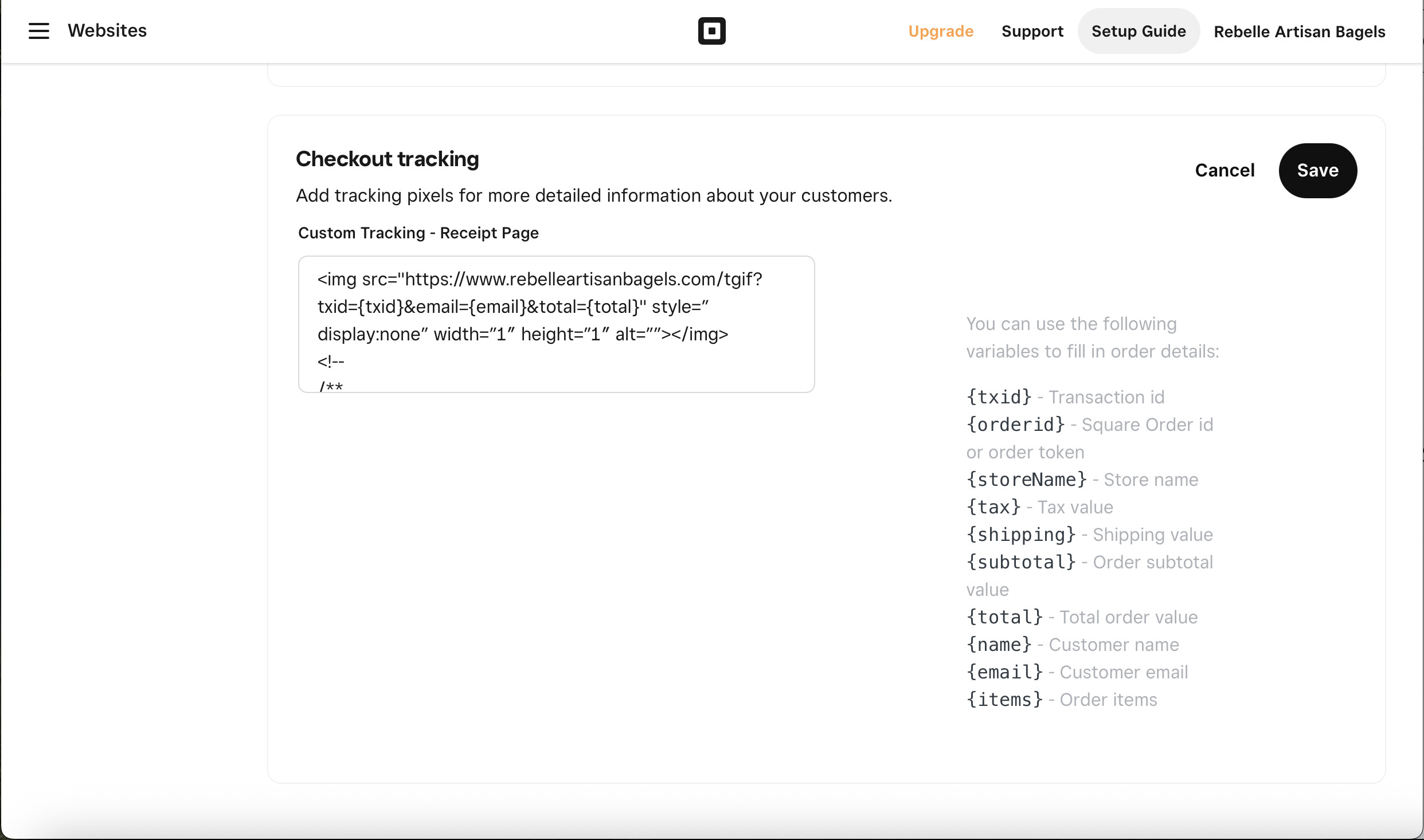
I can’t get the google tag to load on my order confirmation page of the square online store.
I’m hoping someone can help me understand how the checkout tracking code works.
Hello,
I can’t get the google tag to load on my order confirmation page of the square online store.
I’m hoping someone can help me understand how the checkout tracking code works.
 I’m Square Dev AI, here to help answer your question!
Based on the information you’ve provided, the following documentation will help answer your question:
Square Order Checkout
Square Developer Documentation
Build a Payment Integration and Take Payments Online
If this documentation helped you find a solution, please check the box indicating that this reply solves the problem.
Otherwise one of our Developer Advocates will provide additional assistance shortly.
This is expected. Adding a Google tag to the Square checkout pages isn’t available due to security reasons. 
If you cant put a google tag in the Checkout Tools, could you expand on how you can track a purchase/conversion for google analytics? On my site they are booking a service an I have no way of knowing if they completed the booking as they move from my site to Square Booking Flow during the booking process.
At this time we don’t support Google Analytics for our checkout pages. We’re constantly working to improve our features based on feedback like this, so I’ll be sure to share your request to the API product team. 
I sense that this is a major point of frustration for a lot of users. I understand the risks of allowing code to run in the checkout flow, but is it possible to at least allow pixels or very restricted calls to another server where we can record the sales?
Many other platforms, like shopify, squarespace and godaddy have figured this out, so it’s hard to understand why this has been an issue for so long on square.
At the very least, maybe someone can explain the checkout tracking section of the website settings. That’s Square > Online > Websites > Settings > Tracking Tools.
It generates a code block in the HTML on the cart and checkout pages that no browser that I know of will process… Maybe there is some javascript somewhere that processes this block into something useful but I can’t find it. I’ve tried a number of different things in this block and nothing has worked for me.