I would like to highlight an issue I am experiencing with the Square Sandbox Dashboard.
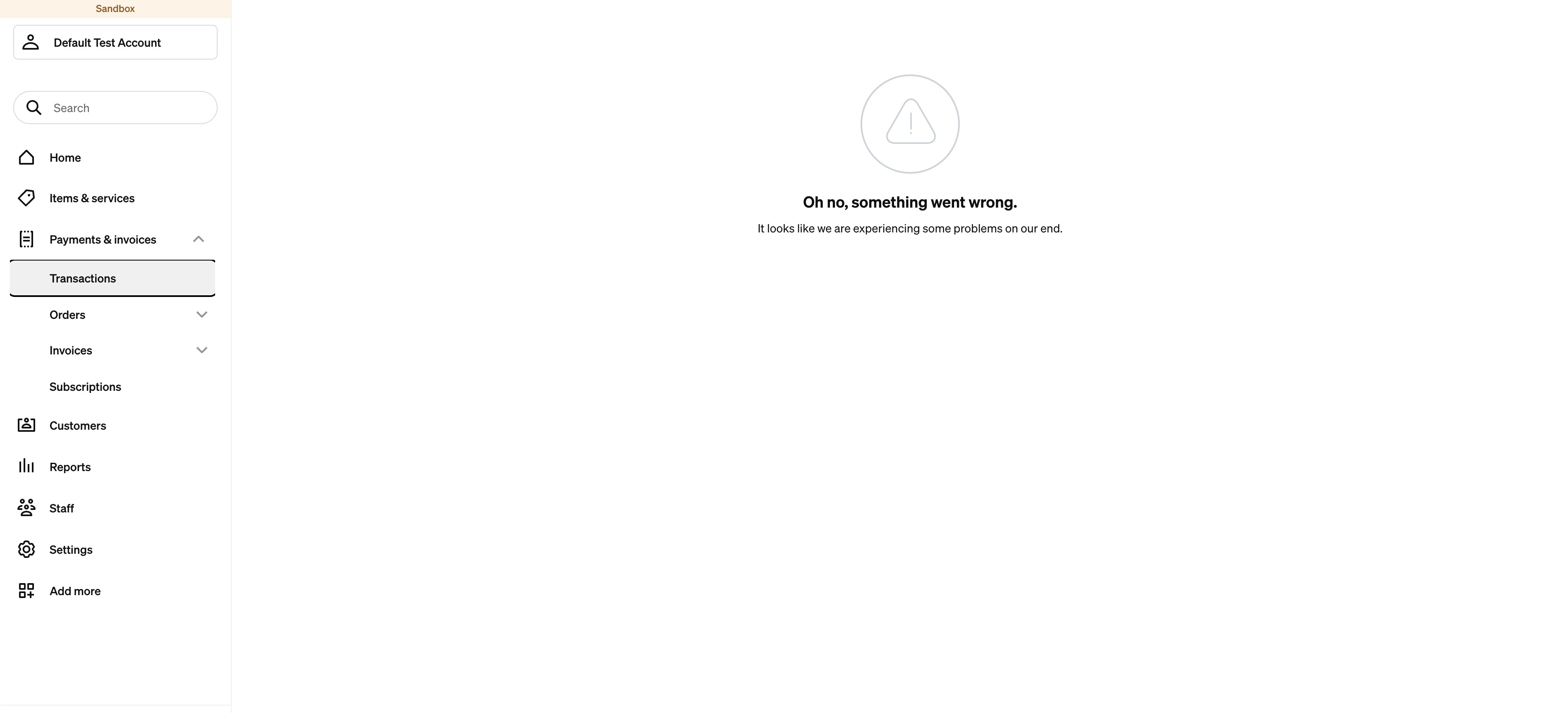
When I open the Sandbox Dashboard and navigate to Transactions, I see the error shown in the attached screenshot.
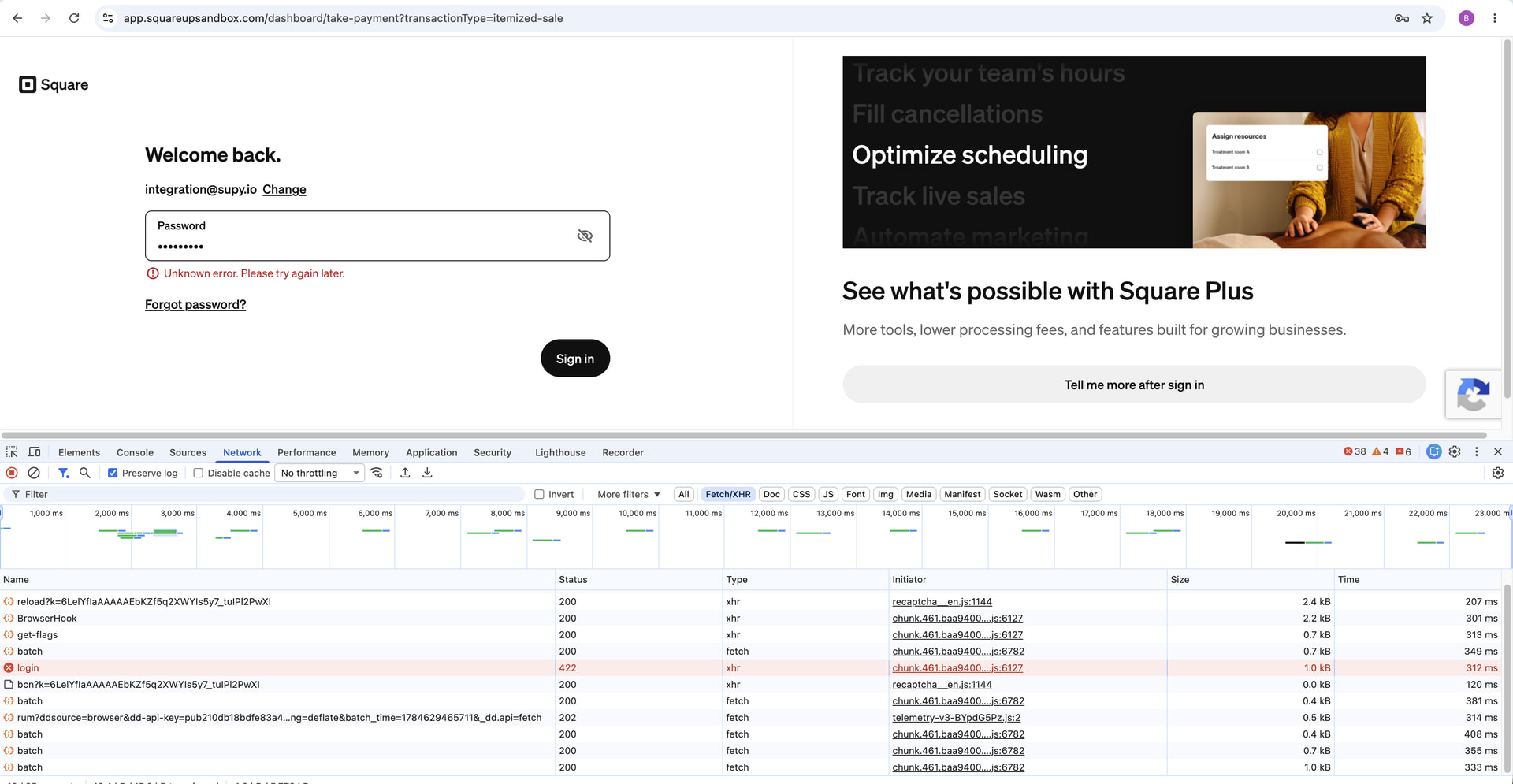
Additionally, when I navigate to Orders > Create Order, I am prompted with a login screen asking me to enter my credentials. However, after entering the login credentials, I am unable to log in and receive the error shown in the attached screenshot. The corresponding network request is also returning a 422 status code.
Could you please look into this issue and let me know if there is any known problem with the Sandbox environment or if any action is required from my end?
It looks like a possible Square Sandbox issue. Try clearing your browser cache, signing out, and logging back in. If the 422 error continues, contact Square Developer Support with the screenshots and request details so they can check the Sandbox environment.
I cleared cookies, browser cache, seems it’s not working same issue. I tried changing browser, but same issue with that as well. So only after having the same issue in different browsers I created this ticket.
We had an issue in sandbox recently that has since been resolved. Please log out and log back in to retry viewing your transactions. Creating orders from the sandbox dashboard is not supported at this time but you can use our API explorer with a sandbox token to create orders if needed for testing.