Applies to: Orders API
Learn how to verify a pickup order generated with the sample application in the Square Dashboard.
Now that you have your developer credentials, configured the sample application, generated catalog items, and taken a pickup order, you're ready to verify your pickup order.
You can verify your pickup order by checking the Square Dashboard for your application in your Sandbox test account.
-
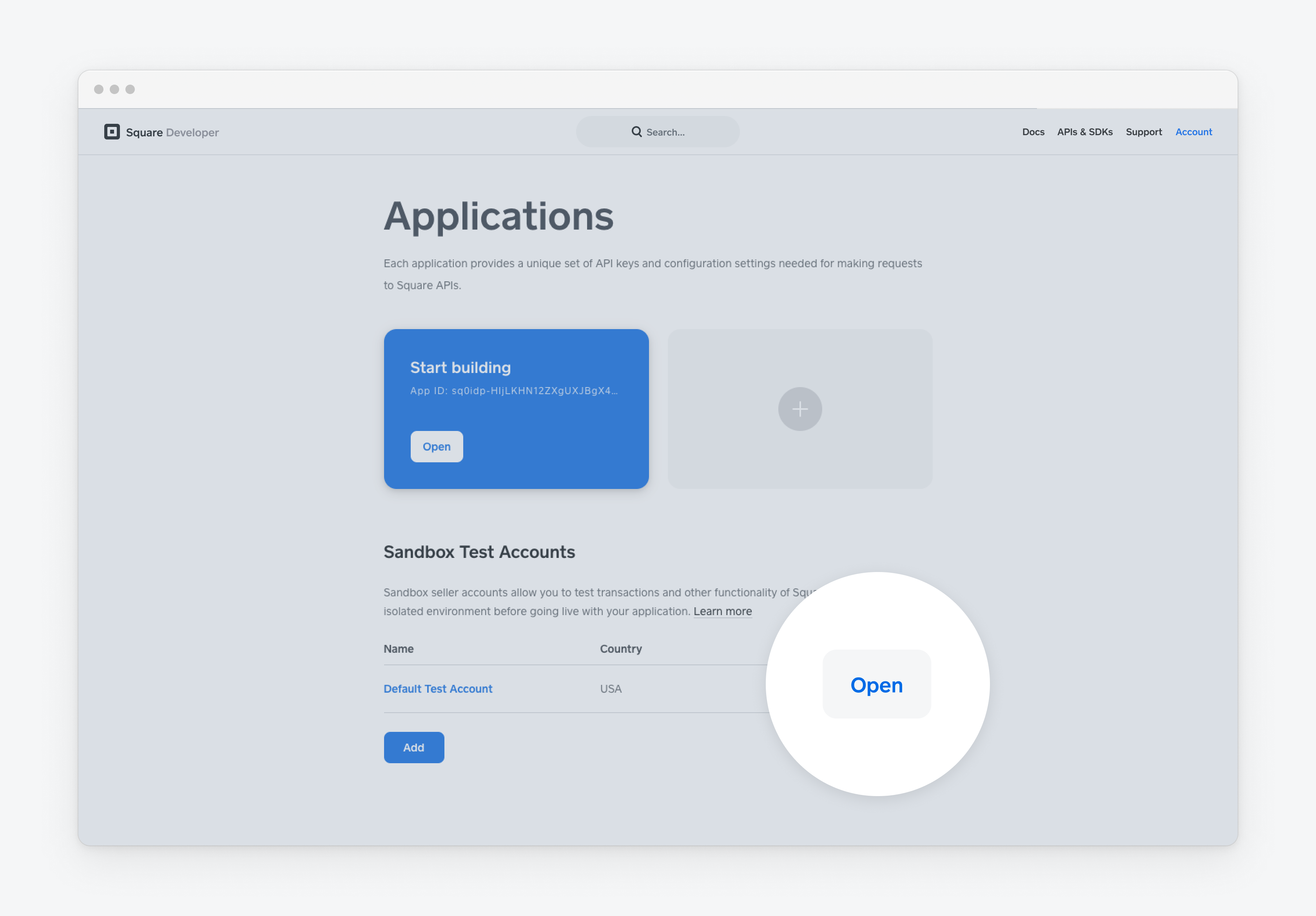
Open the Developer Console and scroll down to Sandbox Test Accounts.
-
Find the test account you used for the order-ahead sample application, and then choose the Open button.
-
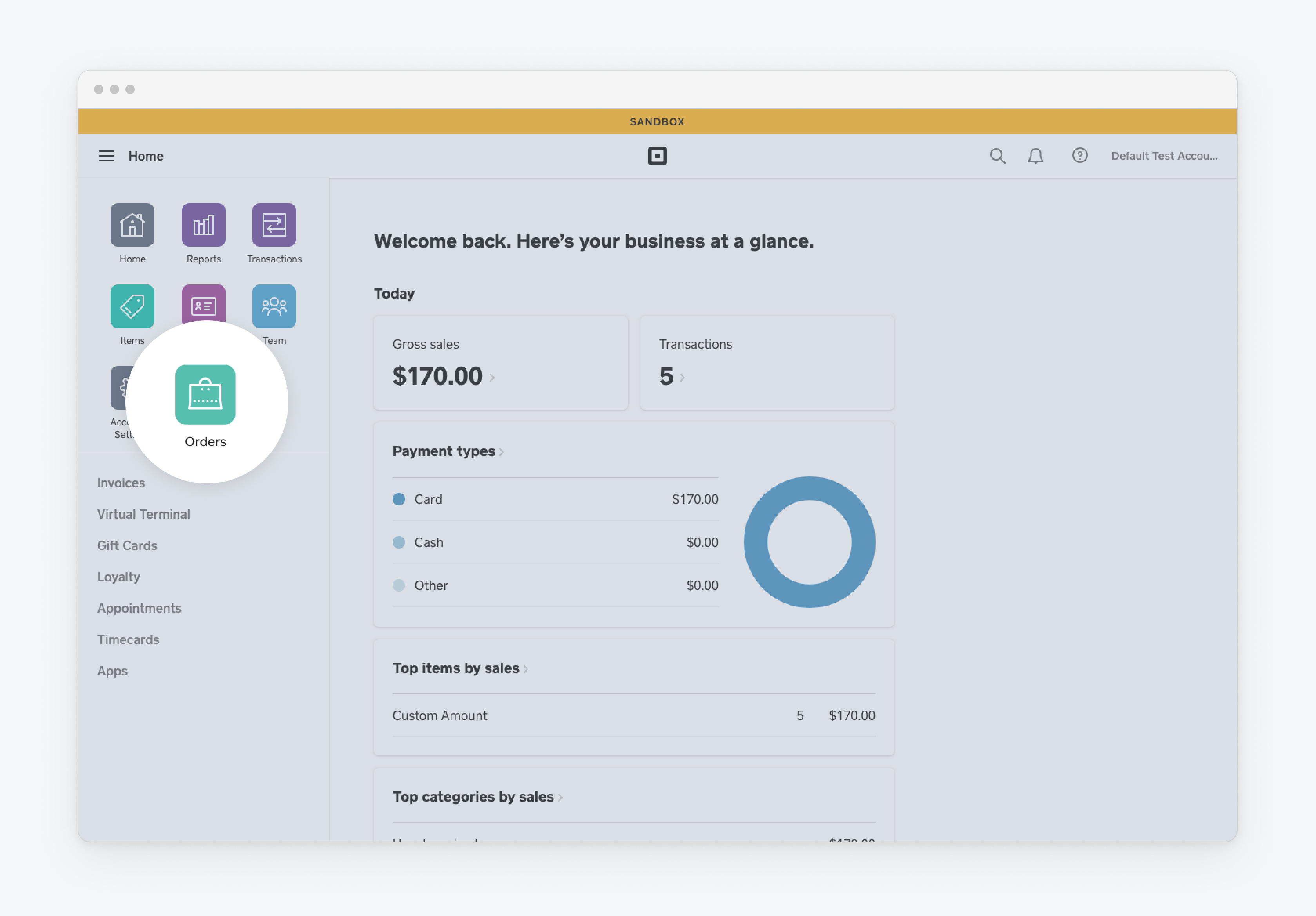
In the left pane, choose Orders. Your pickup order should appear in the list of open orders.
Success
You've completed a pickup order with the order-ahead sample application.