To start building on the [Square Developer platform](https://developer.squareup.com/us/en), create a free Square developer account. The sign-up process involves a short series of prompts that collect information to create your account and register your first application.
If you already have a Square account and an application, [sign in](https://developer.squareup.com/apps) and skip ahead to [Make your First API Call](/docs/get-started/make-api-request).
Be ready to provide the following:
* **Information about you** - Your name, an email address, a new password, and your country.
* **Agreement with Square's Terms** - Including the Privacy Policy and E-Sign Consent.
* **Business name** - If you're employed by a Square merchant, enter the merchant's name. Otherwise, enter the name of your own software development business.
* **Application name** - The name of your project, which you can change later.
* **Preferences** - Optional information Square uses to suggest relevant samples, help content, and snippets:
* **Use case** - The business scenario your application will address.
* **Language used** - Your preferred coding language or platform.
* **Audience** - Who you're building your application for.
You can add or update this information later on the application's **App details** page in the Developer Console.
## Get started
1. Open the [Square Developer sign-up](https://squareup.com/signup?v=developers) page.
2. Provide information for your account and application. When the sign-up process is complete, Square opens your new application in the Developer Console.
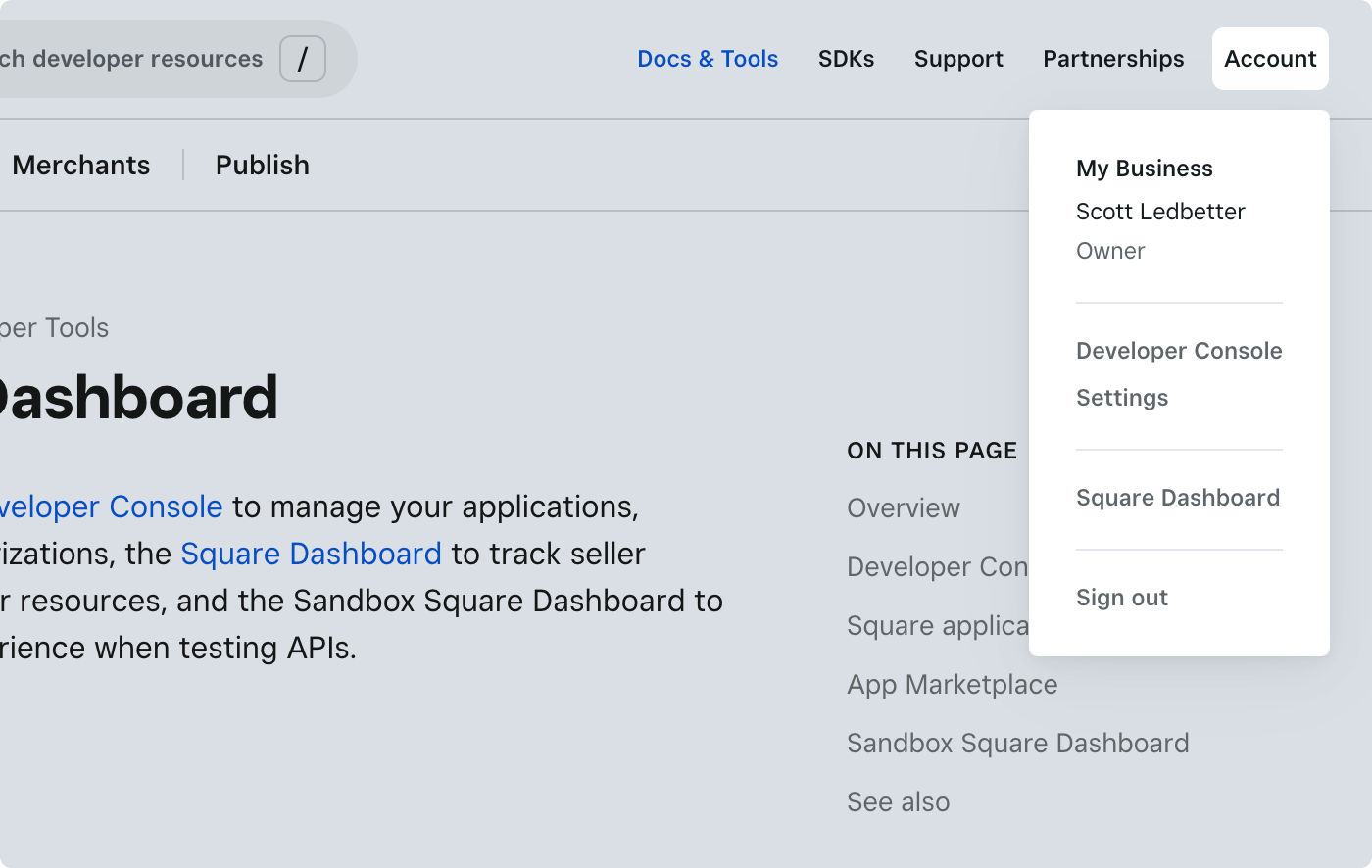
If you already have a Square account and you need to create an application, sign in to the [Developer Console](/docs/devtools/developer-dashboard) using the **Account** menu. You can create and access your applications from the **Applications** page.
When you're ready to take payments in the production environment, you must activate your Square account at [squareup.com/activation](https://squareup.com/activation).